FixForge › Marine › Marine Electronics › Raymarine Axiom Software Update Stuck
Raymarine Axiom Software Update Stuck or Failed
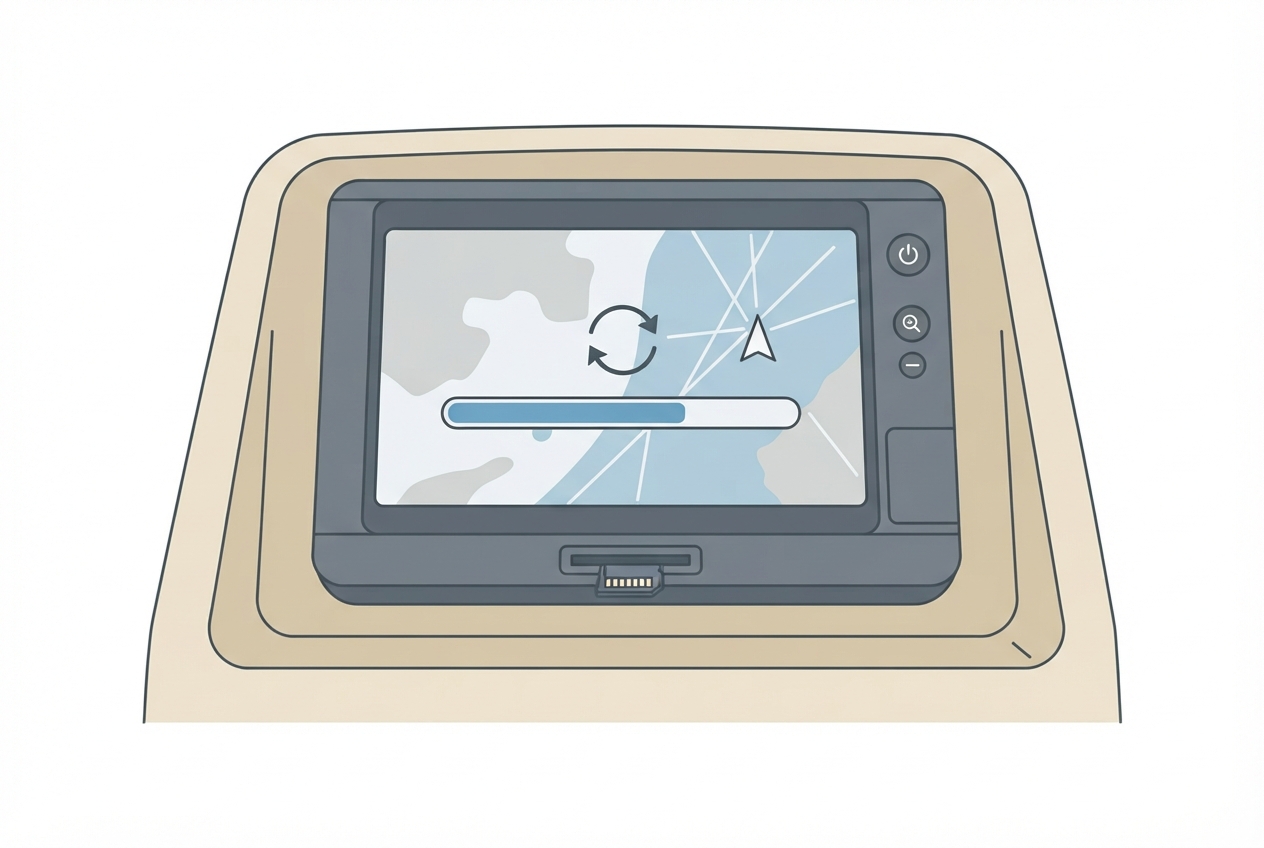
A Raymarine Axiom firmware update stuck at 'Extracting', 'Copying', or any percentage for more than 30 minutes indicates either a slow SD card, a corrupted download, or a power interruption mid-update. The unit is very unlikely to be bricked — Raymarine's boot ROM is separate from the firmware partition.
Last Updated: June 2026
Fast Answer
If the update has been sitting at the same percentage for more than 30 minutes, it's stuck — not just slow. Wait 30 minutes to be sure, then power cycle. Download a fresh copy of the firmware from the Raymarine website (don't reuse a downloaded file that may be partially corrupt), use a Class 10 or UHS-1 SD card formatted FAT32, and copy only the firmware file to the root of the card — no other files.
Slow SD cards make updates that look stuck actually still progress. Don't interrupt until truly stalled 30+ min.
Slow SD cards (Class 4 or unrated) cause 'Extracting' to stall indefinitely. Card speed is critical.
Don't reuse a download — partial downloads or corrupted files cause update failures. Always re-download.
Never let the battery drop during an update. Run engine or shore power for all firmware updates.
The SD Card Speed Problem
The Axiom's update process extracts a compressed firmware archive to the SD card before installing — this is the 'Extracting' stage. On a slow SD card (Class 4 or below), this extraction can take 45–60 minutes and appear completely stalled. On a Class 10 or UHS-1 card, the same step completes in 5–8 minutes.
If you're using any SD card from an old VHF radio, old camera, or that came bundled with something years ago: replace it with a fresh Class 10 card before attempting the update. This resolves the most common 'stuck at Extracting' problem.
- Get a Class 10 (marked C10) or UHS-I (marked U1) SD card, 8GB minimum. Do not use microSD with adapter — use a full-size SD card directly.
- Format it FAT32 on a PC (not exFAT; exFAT is not read by the Axiom update system).
- Download the firmware .zip from Raymarine's website and extract it — copy only the .pkg or .lcm file (the firmware file itself, not the zip) to the root of the SD card.
- Insert the card into the Axiom with the unit powered off, then power on.
Downloading Firmware Correctly
Raymarine firmware files are large (300MB–1GB). A partially downloaded file causes a corrupted installation that stalls or fails partway through.
- Download via the Raymarine website (support.raymarine.com) or via the Axiom's built-in WiFi update if available.
- Verify the file size matches what the download page shows before copying to the SD card.
- Some firmware versions come as a .zip — extract it and find the actual firmware file inside (usually .pkg extension). Only the .pkg goes on the SD card root.
Power Interruption Recovery
If power was interrupted mid-update, the unit may not boot normally. Raymarine builds a recovery path into the boot ROM:
- With the SD card containing the firmware still inserted, power on the unit.
- The unit may automatically detect the incomplete installation and resume, or it may show a recovery menu.
- If no recovery prompt appears and the unit is unresponsive: hold the power button during power-on (timing varies by model — try holding before applying power, or hold 3 seconds after applying power).
- This should trigger the recovery bootloader which will reinstall from the SD card.
WiFi Update Alternative
If your Axiom is connected to a WiFi network with internet access, you can update via the unit's built-in update checker: Home > Settings > System > Check for Updates. This downloads directly to the unit and avoids the SD card entirely — recommended if you have a reliable network connection at the boat.
Parts reference
| Part | Typical cost | Notes |
|---|---|---|
| Class 10 SD card (8GB) | $8–15 | Any reputable brand. Samsung, SanDisk, Kingston all work. Must be full-size SD, not microSD. |
| SD card USB reader | $8–12 | For transferring firmware from PC to card if computer lacks SD slot. |
FAT32-compatible Class 10 card. Required for reliable Axiom firmware updates.
Check Price on Amazon →As an Amazon Associate, FixForge earns from qualifying purchases.