FixForge › Marine › Marine Electronics › Raymarine Chartplotter No GPS Fix
Raymarine Chartplotter No GPS Fix: Full Diagnostic
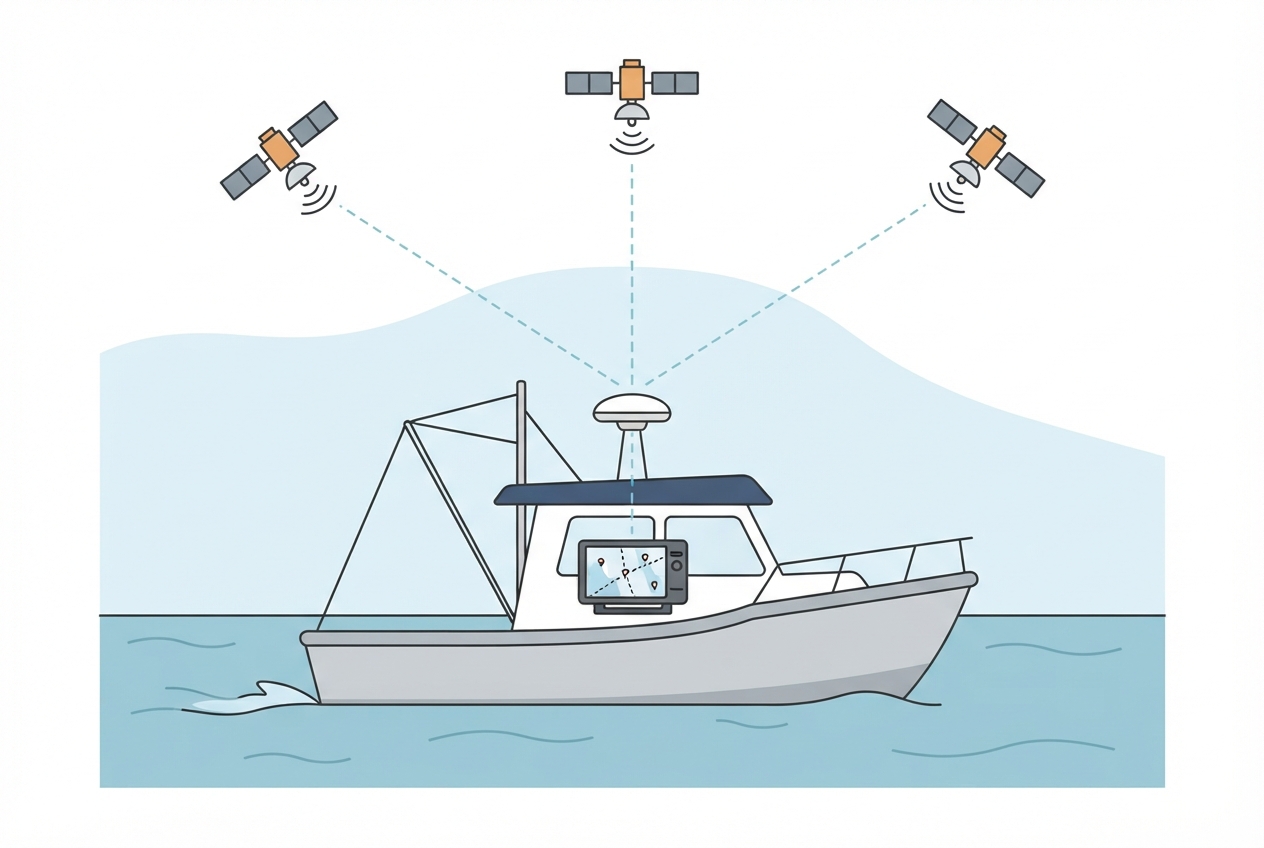
A Raymarine Axiom or Element stuck on 'Searching for Satellites' is usually an antenna coverage issue, a satellite source misconfiguration, or a GPS almanac that's expired after long storage. The internal GPS antenna in the Axiom series works fine in open sky conditions but requires an external antenna for under-hardtop installs.
Last Updated: June 2026
Fast Answer
Navigate to Home > Settings > System > GPS to check satellite status and signal bars. If bars are absent: obstruction or antenna issue. If bars are present but no fix after 15 minutes: perform a GPS cold start (same menu). Check that the system date and time are correct — GPS acquisition fails or takes very long if the unit's internal clock is far off. After months of storage, this is usually a dead CR2032 coin cell in the GPS module.
Home > Settings > System > GPS shows satellite bars and current fix status. Start here.
Internal Axiom antenna is in the top of the unit housing. Metal overhead = no GPS. Fiberglass is transparent to GPS.
Wrong date from dead coin battery causes slow or failed GPS acquisition. Set manually if needed.
If external GPS antenna or networked GPS is installed, confirm correct source is selected in settings.
GPS Status Screen — Start Here
Navigate to: Home > Settings > System > GPS (exact path varies by firmware: may be under Network, or the Diagnostics menu). This screen shows:
- Number of satellites in view and their signal strength
- Current HDOP (horizontal dilution of precision — lower is better; under 2.0 is good)
- Current fix mode (None / 2D / 3D)
- GPS source (Internal / External / Network)
If you see signal bars: the antenna is working and the fix is just slow. Wait up to 15 minutes for a cold start. If you see zero satellites or zero bars: the problem is upstream of the receiver — obstruction, cable, or antenna.
Internal Antenna and Obstruction
The Axiom series places the internal GPS patch antenna in the upper portion of the display housing. Any material with significant electromagnetic density overhead will attenuate it:
- Aluminum T-top or hardtop: complete GPS blockage. External antenna required — no workaround.
- Steel helm structure: complete blockage. External antenna required.
- Canvas Bimini: minor attenuation (10–20% signal reduction); GPS usually still acquires but may take longer.
- Fiberglass: negligible attenuation. Internal antenna works normally.
The Axiom has an external GPS antenna port (MCX connector, rear of unit) for situations requiring an external antenna. Any compatible MCX marine GPS antenna can be used.
System Date/Time and the Coin Battery
GPS acquisition is accelerated by a valid almanac — the database of satellite orbital positions that allows the receiver to predict which satellites to look for. The almanac is maintained with the unit's internal clock, which is kept running by a CR2032 coin cell in the GPS module (not the same battery as any user-accessible battery).
When this coin cell dies — typically after 3–5 years or after extended storage — the internal clock resets to a default date (often January 1, 2000 or similar). GPS acquisition with a wrong date can take 20–40 minutes instead of the normal 60–90 seconds because the almanac is misaligned to the actual satellite positions.
- Check the date and time shown on the unit (usually in the corner of the main chart screen or in System settings).
- If the date is wrong or shows a date before 2024: the coin battery is likely dead. Manually set the correct date and time.
- After setting the correct time, allow 10–15 minutes for GPS acquisition — the first fix after a time correction is slower.
- If the date resets every time the unit loses power: the coin cell needs replacement (requires Raymarine service — it's an internal component).
GPS Source Configuration
If your boat has multiple GPS sources (e.g., a SeaTalkNG network with a dedicated GPS antenna module, or a VHF with NMEA GPS output), the Axiom may be configured to receive GPS from a network source rather than its internal antenna. If that source is disconnected or failed, the Axiom shows no fix despite its internal antenna being functional.
- Navigate to GPS source settings and check what source is selected.
- If set to a network source: either fix that source or switch to Internal GPS.
- If set to Internal: confirm no external antenna is required for your mounting location.
Parts reference
| Part | Typical cost | Notes |
|---|---|---|
| External GPS antenna for Raymarine (MCX connector) | $40–90 | Required for under-hardtop installs. Mounts on top of T-top or cabin roof. |
| MCX to SMA adapter (if needed) | $8–15 | Some external antennas have SMA connectors — adapter required for Axiom MCX port. |
| GPS antenna extension cable (MCX) | $15–30 | For longer runs from antenna mount to unit. |
Mounts on hardtop or rail. Provides clear sky view. MCX connector for direct connection.
Check Price on Amazon →As an Amazon Associate, FixForge earns from qualifying purchases.
Replacement GPS module clock battery. Extend life with lithium version.
Check Price on Amazon →As an Amazon Associate, FixForge earns from qualifying purchases.