FixForge › Marine › Marine Electronics › Humminbird MEGA Live Noisy or Blank Image
Humminbird MEGA Live Noisy, Cluttered or Blank Image
This page is for a MEGA Live that the fish finder already lists as connected but that shows an empty view, streaks, rings, clutter or double images. Start with the status icon, because it tells you whether the transducer is pinging at all. Then work through interference from other sonar, the contrast settings, the mask, the mode and the power wiring.
Last Updated: November 2026
Fast Answer
Read the MEGA Live status icon. "Not Pinging" means pinging is switched off: turn MEGA Live Pinging on. "Out of Water" with the transducer submerged is a software or grounding fault, not a picture setting. If the image is there but noisy, switch off other sonar to see if it clears, turn on Interference Rejection on a first-generation MEGA Live, and put Dynamic Contrast on Balanced with Sensitivity and Contrast at 10. Faint double images in Forward Mode are what the included mask is for.
Connected/In Water/Not Pinging means pinging is off. Turn MEGA Live Pinging on.
MEGA Live 1: Interference Rejection, Low is the default. MEGA Live 2 does it automatically.
Dynamic Contrast Balanced, Sensitivity 10, Contrast 10. Use High for clutter.
Mask stops double returns in Forward Mode. Drain wire goes to chassis ground.
Blank View: Is It Pinging?
If the fish finder does not list the MEGA Live at all, that is a connection fault: see MEGA Live not detected. When it is connected, the status icon has three states that matter here:
- Connected/In Water/Pinging: normal. An empty or messy picture is a settings, interference or mounting problem.
- Connected/In Water/Not Pinging: the transducer is fine but pinging is off.
- Connected/Out of Water: the wet indicator thinks the transducer is dry.
Step 1: Turn Pinging On
- HELIX: with a MEGA Live View on screen, press the MENU key once, select MEGA Live Pinging and press the RIGHT Cursor key to select On. The same setting is under the POWER key.
- APEX and SOLIX: tap PING OFF on the MEGA Live status bar, or press the POWER key, tap Sonar and turn MEGA Live Pinging on.
- MEGA Live 2: use the PING ON/Off button on the MEGA Live 2 top bar.
The TargetLock foot pedal and remote have a programmable button that can be set to turn MEGA Live pinging on and off, so check it if the picture stops unexpectedly.
Step 2: "Out of Water" While Submerged
The wet switch automatically stops pinging while the transducer is out of the water, and the fish finder displays "MEGA Live Disabled Out of the Water". If that appears with the transducer under water, Humminbird's article splits the cause by generation.
- MEGA Live 2: update the MEGA Live 2 software first and test on the water. Humminbird says the ground loop condition does not typically apply to MEGA Live 2. If the message continues, inspect all power, Ethernet and transducer connections.
- MEGA Live (1st generation): the message can be caused by a ground loop or improper power connection. Do not connect it through the trolling motor battery bank. Connect it to the starting battery or the house batteries used for your other electronics, and confirm that the drain/shield wire is connected to the boat's chassis ground terminal.
The installation guide gives a quick test: take the transducer out of the water and place a wet piece of cloth over the two metal contacts on its surface. If it works with the cloth, the fault is in the wiring and grounds. If it still does not work, contact Technical Support. If the message only appears while the boat is moving, Humminbird points to installation: turbulence, aerated water or a transducer that does not stay submerged.
Step 3: Interference From Other Sonar
Humminbird's guides describe electrical noise as streaks or repetitive patterns on the view, and give an isolation test: turn off nearby sonar devices and other electronics to see if the problem goes away, then turn them on one at a time to see if the noise re-appears.
First-generation MEGA Live has an Interference Rejection setting that the user must turn on:
- HELIX: press MENU twice, select the Accessories tab, MEGA Live, then Interference Rejection. Low is the lowest filter and High filters the most. Off removes all filtering. Humminbird lists Low as the recommended and default level, so check that it has not been set to Off.
- APEX and SOLIX, software 4.210 and earlier: HOME, Settings, CHIRP Sonar, then Interference Rejection under MEGA Live. 1 is the lowest filter and 3 filters the most.
- APEX, XPLORE and SOLIX G3, software 5.060 and later: HOME, Settings, Sonar, MEGA Live.
The limit is important. MEGA Live detects other sonar sources on the same network. Sonar units that are not connected to the same network are not detected, so Interference Rejection cannot reduce their noise. Humminbird's requirement is that all fish finders on the boat are connected to the same Ethernet network and up to date on software.
MEGA Live 2 has no Interference Rejection setting; the function is automatic. Humminbird says Sonar Sync in fish finder software version 7.400 or higher helps reduce the rings caused by a nearby MEGA Live 2 or Minn Kota Live, and MEGA Live 2 software 2.270 allows more than one MEGA Live 2 to be used at once, with the transducers recommended to stay within 6 ft (2 m) of each other.
For noise between MEGA Live and MEGA 360, Humminbird lists three things that will not help: moving cables, changing the 2D Noise Filter and changing frequencies.
Step 4: Dynamic Contrast, Sensitivity and Contrast
For first-generation MEGA Live, Humminbird publishes recommended settings with its current software (1.320):
- Most water conditions: Dynamic Contrast Balanced, Sensitivity 10, Contrast 10. These are the defaults.
- Shallow water or clutter on the screen: Dynamic Contrast High, Sensitivity 10, Contrast 10.
- Deeper water and bait tracking: Dynamic Contrast Low. Expect more clutter overall.
Always start at 10 and then increase or decrease as needed. Sensitivity raises or lowers the apparent strength of all returns. Higher Contrast values help remove clutter from the screen, and lower values help when tracking smaller baits. The operations guide adds that decreasing Sensitivity eliminates the clutter that is sometimes present in murky or muddy water.
On HELIX, Dynamic Contrast is in the MEGA Live view: press MENU, use the DOWN cursor key to select Dynamic Contrast and the LEFT and RIGHT keys to choose. On MEGA Live 2 it is in the X-Press Menu, where Low is the preferred setting for lure tracking and High for the clearest definition.
Step 5: Double Images in Forward Mode
Faint double images are not interference. Humminbird's mask instructions explain that at higher angles in Forward Mode the sonar return may include double images caused by the beams bouncing off the surface of the water. The fix is the adhesive mask included with the transducer.
- MEGA Live: long mask (7/8 inch) for 50 or 60 degrees, short mask (1/2 inch) for 40 degrees.
- MEGA Live 2: long mask (7/8 inch) for 60 degrees, short mask (1/2 inch) for 45 degrees.
- If you switch between angles frequently, Humminbird recommends the short mask.
Clean the transducer with rubbing alcohol and press the mask onto the side of the transducer that will face up. Which side that is depends on whether the transducer is on the port or starboard side of the trolling motor.
Step 6: Mode and Installation Settings
MEGA Live Mode (Down, Forward or Landscape) describes the angle of the transducer. The fish finder selects it automatically by default. If someone has turned Auto off and picked a mode by hand, the display reminds you to also change the transducer's installation orientation, because the setting does not move the transducer. A mode that does not match the mount gives a picture that does not match the water.
- MEGA Live: in the MEGA Live Installation menu, Use AHRS set to On selects the orientation automatically, and On Pitch and Roll also stabilizes the bottom. Check Port/Starboard Installation as well.
- MEGA Live 2: X-Press Menu, Settings, Installation. Auto-Orientation selects Down, Forward or Landscape automatically. Forward/Down Installation and Landscape Installation are set to Normal or Flipped, and Calibrate MEGA Live Transducer optimizes the sonar return.
Humminbird notes that these installation settings are the place to look if the position of objects on the display is slightly different from what you observe around you.
Step 7: Software
Humminbird recommends always using the most recent software. The first-generation release 1.320 improved bottom stability compensation, which Humminbird says improves MEGA Live in rough water and while using the trolling motor. MEGA Live 2 release 2.270 lists improved down mode and hard return performance and an improvement to rings over hard bottoms in down mode while ice fishing.
When to Contact Humminbird
If the transducer fails the wet cloth test, or the "Out of Water" message survives a software update and correct grounding, Humminbird's guide says to contact Technical Support. For interference cases, its interference article says it helps to send a screen snapshot taken with the trolling motor running and another with it off.
Parts reference
| Part | Part number / spec | Notes |
|---|---|---|
| MEGA Live mask | 7/8 inch (long) and 1/2 inch (short) | Included with the transducer. Prevents double returns in Forward Mode. |
| MEGA Live power cable | PC 13, item 720110-1 | Red to positive, black to ground, drain/shield wire to the boat's chassis ground terminal. |
| Inline fuse | 2 Amp | Not included. 12 VDC supply only. First-generation MEGA Live must not be fed from the trolling motor battery bank. |
Sources
Specifications, part numbers and procedures on this page come from the manufacturer documents below. Where a point comes from owner reports instead, the text says so.
- Humminbird Help Center: MEGA Live Interference
- Humminbird Help Center: Out of Water Message on MEGA Live or MEGA 360
- Humminbird Help Center: Can MEGA Live and MEGA 360 be used at the same time?
- Humminbird Help Center: Sonar Sync - Minn Kota Live and MEGA Live 2
- Humminbird Help Center: MEGA Live and TargetLock - Overview, Installation, and Setup
- Humminbird Help Center: MEGA Live 1 Software Update for HELIX, version 1.320
- Humminbird Help Center: MEGA Live 2 Software Update, version 2.270
- Humminbird Help Center: MEGA Live 1 (1st Generation) Troubleshooting
- Humminbird MEGA Live Imaging Operations Guide, document 532771-2EN_A
- Humminbird MEGA Live Imaging Installation Guide, document 532769-5_A
- Humminbird MEGA Live 2 Imaging Operations Guide, document 532771-3EN_B
- Humminbird MEGA Live 2 Installation Guide, document 532996-2_A
- Humminbird: Reduce Double Images Using a MEGA Live Mask, document 532888-2_B
- Humminbird Help Center: Trolling Motor and Sonar to Sonar Interference
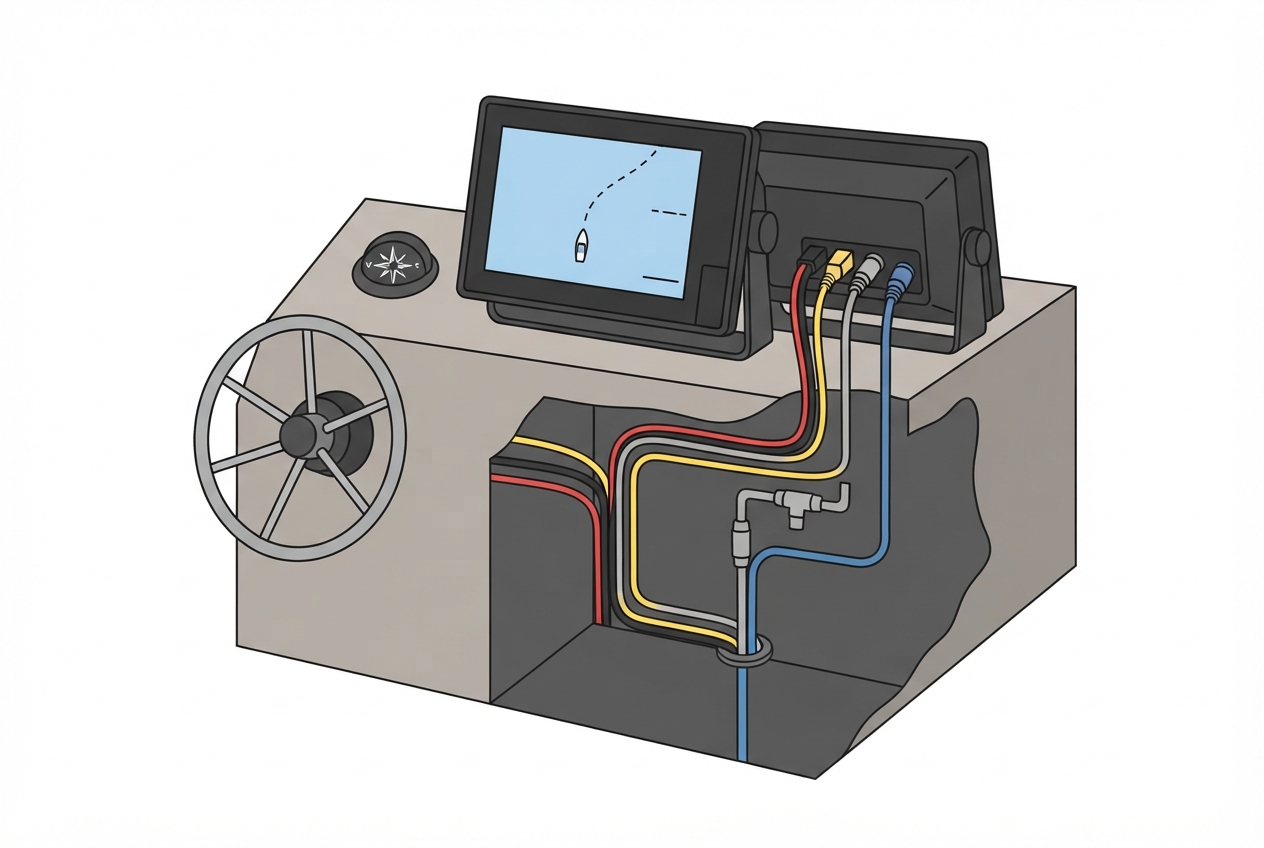
The MEGA Live power cable with the drain/shield wire. Replace a damaged cable instead of running the transducer with the drain wire unconnected.
Check Price on Amazon →As an Amazon Associate, FixForge earns from qualifying purchases.