FixForge › Marine › Marine Electronics › Simrad GPS No Fix
Simrad GPS No Fix: Searching for Position Won't Resolve
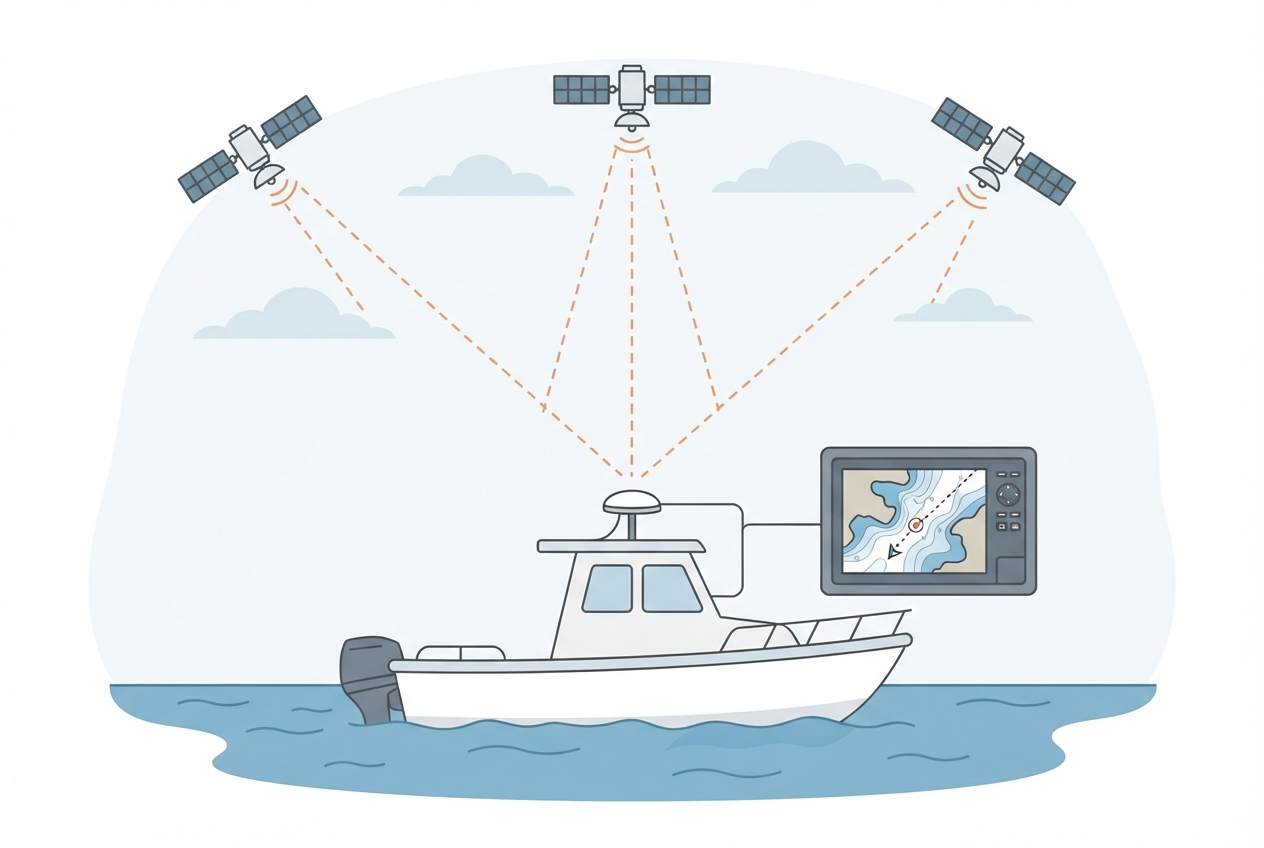
A Simrad chartplotter that won't achieve a GPS fix is usually a source configuration issue, an antenna obstruction problem, or a cold-start delay. Simrad's multi-source GPS management can also cause issues where the unit is waiting on a disconnected network GPS source instead of using its internal antenna.
Last Updated: June 2026
Fast Answer
Check your GPS source: Menu > Settings > System > GPS > GPS Source. If set to Auto and a network GPS source is offline, the unit may be waiting on that source instead of falling back to internal. Set to Internal GPS (or the specific antenna that's working) to force it. If source is correct: navigate to the GPS satellite status page and check signal bars. No bars under open sky = antenna or connectivity issue.
Settings > System > GPS > GPS Source. Auto mode can wait on a failed network source — set explicitly.
GPS+GLONASS combined mode acquires faster in challenging conditions. Enable in GPS settings.
GPS antenna cables must not route parallel to power cables or through metal conduit.
GPS almanac expires after 4+ weeks. Expect 10–15 min first fix after winter storage.
GPS Source Configuration
Simrad chartplotters support multiple GPS sources: internal antenna, external antenna (if physically connected), and network GPS sources (from other devices on the NMEA 2000 or SimNet network). When set to Auto, the unit selects the highest-quality available source — but if a network source is registered and offline, the unit may keep waiting for it instead of using the internal antenna.
- Navigate to Menu > Settings > System > GPS (path varies slightly by model and firmware).
- Check the GPS Source setting — if it shows a network device that's no longer installed or connected, change it to Internal GPS or the specific working source.
- After changing: go back to the chart view and check the GPS icon in the corner — it should show satellite bars populating within 2–3 minutes if obstruction isn't the issue.
Enable GPS+GLONASS Mode
GLONASS is the Russian satellite navigation system. Modern Simrad chartplotters support combined GPS+GLONASS reception, which significantly reduces time-to-first-fix and improves position accuracy, especially at higher latitudes where GPS satellite geometry is less favorable.
- In GPS settings, look for GNSS mode or satellite system selection.
- If set to GPS Only: change to GPS+GLONASS or All Systems.
- Power cycle the unit after changing GNSS mode to apply.
Antenna Placement and Cable Routing
For Simrad units with an external GPS antenna (separate from the display unit), cable routing matters:
- Route away from power cables: GPS signal is in the 1.5 GHz range — inverters, alternators, and high-current DC wiring create noise in nearby coax runs. Keep GPS cable at least 6–12 inches from power wiring.
- Avoid metal conduit: GPS signal penetrates fiberglass and plastic but not metal. Routing through aluminum conduit defeats the cable.
- Check connector for corrosion: GPS antenna connectors exposed to salt air corrode at the center pin, causing high attenuation.
NSS Internal vs External Antenna
The Simrad NSS and NSS evo2 have an internal GPS patch antenna in the unit housing. For helm installs under a hardtop or T-top, this internal antenna will have reduced signal. Options:
- Connect an external GPS antenna to the dedicated external antenna port on the rear of the unit (check your model's spec sheet — not all NSS models have this port).
- Alternatively, use a dedicated GPS module on the NMEA 2000 network (e.g., Simrad HS60 or a compatible Garmin GPS 17x) connected to the network bus — this lets you place the antenna anywhere with a clear sky view.
Parts reference
| Part | Typical cost | Notes |
|---|---|---|
| Simrad HS60 GPS module (NMEA 2000) | $120–170 | Dedicated network GPS for Simrad/B&G networks. Mount anywhere with clear sky view. |
| Generic NMEA 2000 GPS antenna (compatible) | $60–110 | Third-party NMEA 2000 GPS sources work with Simrad. Confirm compatibility before purchasing. |
| GPS antenna BNC/MCX extension coax | $15–30 | For relocating external antenna to better sky position. |
Dedicated network GPS for Simrad systems. Mount on rail or hardtop roof with clear sky view.
Check Price on Amazon →As an Amazon Associate, FixForge earns from qualifying purchases.