FixForge › Marine › Marine Electronics › Lowrance HDS Sonar No Depth
Lowrance HDS Sonar Not Reading Depth: Full Diagnostic
A Lowrance HDS showing dashes or 'No Depth' on the sonar screen is almost never the transducer itself — it's usually a connector not fully seated, the wrong transducer type selected in software, or a frequency setting mismatch. Work through configuration before replacing hardware.
Last Updated: June 2026
Fast Answer
Start with the transducer cable connection at the rear of the unit — press firmly until it clicks fully seated. Then go to Sonar > Settings > Installation > Transducer Type and confirm the selection matches your physical transducer model. If those two check out, set sonar range to Auto and lower the frequency to 83kHz (more sensitive in shallow water) to rule out depth-range mismatches.
Press the Airmar/LSS connector at the back of the HDS firmly until it clicks. Half-seated = no sonar.
Sonar > Settings > Installation > Transducer Type must match the physical transducer connected.
On CHIRP models: try 83kHz for shallow water. 200kHz can miss in very shallow or very deep conditions.
Transducer face must be submerged and free of bubbles, fouling, or damage.
Step 1: Transducer Connector
The HDS series uses a locking transducer connector on the rear of the unit. It requires a firm press to fully seat and click — a half-seated connector looks connected but provides no sonar signal. This is more common than any other cause of no-sonar symptoms and takes 5 seconds to check.
- Power down the unit.
- Unplug the transducer connector, inspect the pins for corrosion or bent contacts.
- Reconnect firmly until you feel/hear the click.
- Power on and check sonar page.
Step 2: Transducer Type Configuration
The HDS must know what transducer is connected to set the correct operating parameters. If this is misconfigured (common after firmware updates or when a transducer was replaced), the unit either gets no signal or interprets it incorrectly.
- Navigate to: Pages > Sonar > Menu > Sonar Settings > Installation > Transducer Type
- The current selection will be shown. Match it to your physical transducer: if you have an HST-WSBL (plastic shoot-thru), select that. If you have an HDI skimmer, select that. If you have a CHIRP transducer, confirm CHIRP is selected.
- After changing: power cycle the unit to apply.
Step 3: Frequency and Depth Range
CHIRP transducers operating at 200kHz have a maximum effective range of roughly 800 feet in ideal conditions — but more practically, they can struggle in very shallow water (under 3 feet) because of cone angle and near-field effects. The 83kHz frequency on dual-frequency transducers penetrates deeper and works better in shallow environments.
- Go to Sonar page, then Frequency selection (if your transducer supports dual-frequency).
- Try 83kHz if depth isn't reading in shallow water.
- In Auto range mode, the HDS may be looking too deep for your actual water depth — try setting Manual range to 0–20 feet if in very shallow water.
Step 4: Physical Transducer Inspection
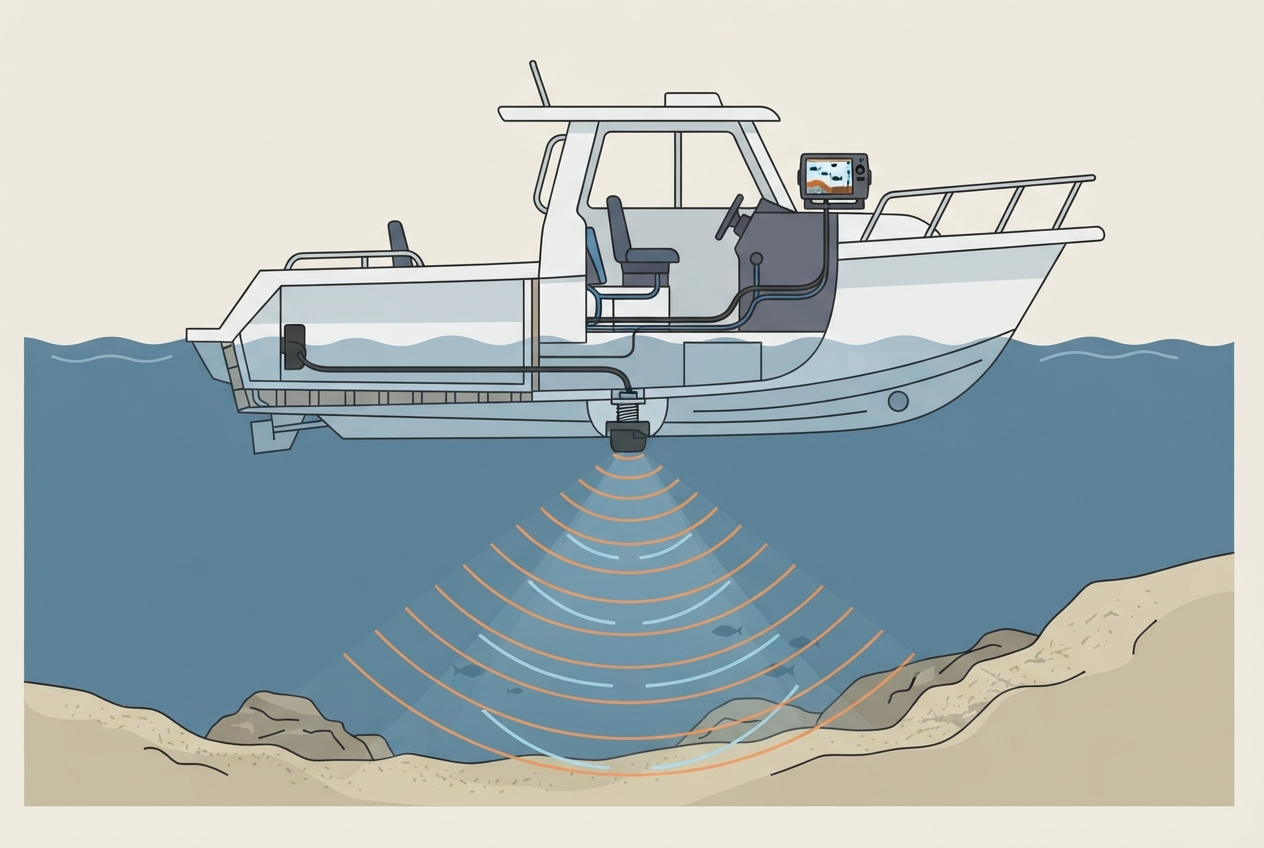
The transducer face must be fully submerged when the boat is on plane. Air entrainment causes sonar dropout at speed — this is the cause when sonar works at idle but not underway. Check:
- Transom mount angle: Transducer should be angled 0–5 degrees nose-down. Too far up and the face lifts out of the water at speed.
- Strake interference: Strakes on the hull can create turbulence and aeration at the transducer location. Moving the transducer away from strakes often resolves speed-related dropout.
- Barnacle or growth fouling: Heavy growth on the transducer face attenuates signal. Clean with a plastic scraper — never use metal or sandpaper on the transducer face.
Step 5: Isolate Transducer vs Unit
Connect a known-good transducer (borrow from another unit or use a test transducer) to the HDS. If sonar works with the test transducer, your original transducer is faulty — inspect the cable for cuts or pinches. If the issue persists with a known-good transducer, the HDS sonar input port may be damaged.
Parts reference
| Part | Typical cost | Notes |
|---|---|---|
| Lowrance HDI Skimmer transducer (83/200kHz) | $60–100 | Entry-level dual-freq for HDS series. Standard transom mount. |
| Lowrance TotalScan CHIRP transducer | $120–180 | CHIRP + StructureScan in one transducer. For HDS with StructureScan port. |
| Airmar transducer (in-hull or thru-hull) | $150–350 | For fiberglass hull shoot-thru or thru-hull permanent installs. |
83/200kHz dual-frequency for HDS series. Standard transom mount with standard Lowrance connector.
Check Price on Amazon →As an Amazon Associate, FixForge earns from qualifying purchases.
CHIRP + StructureScan in one unit. For HDS units with StructureScan port.
Check Price on Amazon →As an Amazon Associate, FixForge earns from qualifying purchases.